
This document is an introduction to ViewSonic Pocket PC V36 Camera, describing its features and characteristics.
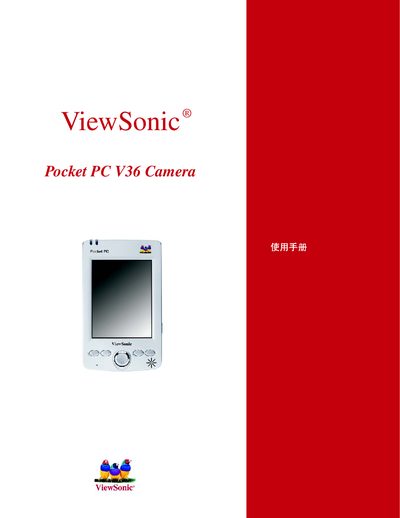
This manual explains how to set up and operate the ViewSonic Pocket PC V36 camera, covering basic functions, menu navigation, and configuration options. It includes details on image resolution, flicker control, power settings, and how to exit or reset the camera.
Key sections describe the operation modes, picture resolution choices (640 × 480 and 280 × 210), flicker control settings, and other adjustable parameters such as backlight and auto functions. The guide also provides troubleshooting tips and safety information.
| Maximum image resolution | 640 x 480 |
|---|---|
| Secondary image resolution | 280 x 210 |
| Flicker control | Selectable (50/60 Hz) |
Use the menu to select either the 640 × 480 or 280 × 210 resolution setting.
Select the Flicker Control option in the settings to choose the appropriate frequency.