
ViewSonic® ViewMate™ Optical Mouse is a PS/2 and USB optical mouse that is compatible with Microsoft® Windows 95/98/Me/2000/XP and Windows NT4.0 operating systems, providing users with a comfortable and convenient user experience.
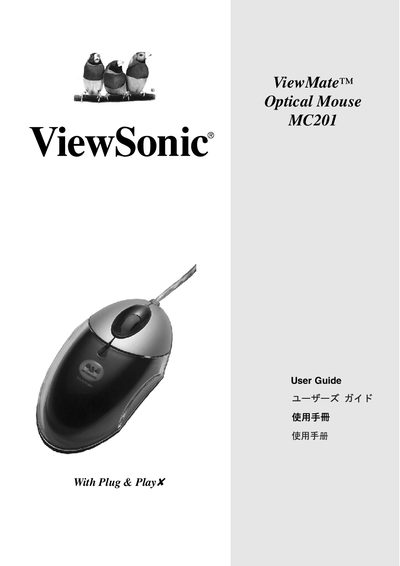
The ViewSonic ViewMate Optical Mouse MC201 is a USB/PS‑2 optical mouse that comes with a driver floppy disk. The guide provides step‑by‑step instructions for installing the mouse using either the USB connector or the PS/2 adapter, along with system requirements and safety recommendations.
Additional sections cover product registration, technical support contacts, FCC compliance, and warranty terms for the mouse. This manual is written in Chinese.
| Supported Operating Systems | Windows 95/98/Me/2000/XP, Windows NT4.0 or later |
|---|---|
| USB Interface Support | Microsoft Windows 98/Me/2000/XP |
| Minimum PC Processor | Pentium 133 MHz or higher (recommended) |
| Minimum RAM | 32 MB |
| Required Ports | USB or PS/2 port |
| Installation Media | Floppy drive for driver disk |
The driver supports Windows 95, 98, Me, 2000, XP, and Windows NT 4.0 or later.