
ViewSonic G71f+ is a 17-inch monitor that supports Mac and Windows systems
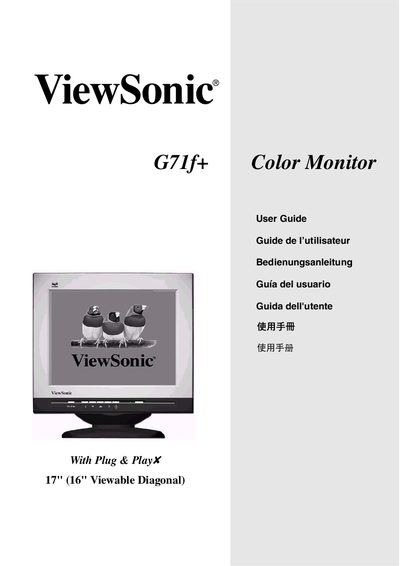
This user guide covers the basic operation of the ViewSonic G71f+ 17‑inch color monitor, including menu navigation, OSD controls, and display‑setting adjustments such as contrast, brightness, and geometry. It also explains the Plug‑and‑Play features and provides troubleshooting tips.
The manual includes safety information, FCC compliance warnings, and Energy Star certification details, as well as specifications for supported resolutions and VESA standards. Users are instructed on proper grounding, cable selection, and how to mitigate possible radio‑frequency interference.
| Display size | 17" (16" viewable diagonal) |
|---|---|
| Maximum resolution | 1024 x 768 @ 75 Hz |
| Secondary resolution | 1280 x 1024 @ 75 Hz |
| Energy certification | ENERGY STAR® |
Reorient or relocate the receiving antenna, increase separation between the monitor and receiver, use a different circuit outlet, or consult a radio/TV technician.
The monitor is ENERGY STAR® certified.
Press the menu button to open the Main Menu, then use the OSD controls to adjust contrast, brightness, geometry, and other settings.