
ViewSonic N1700w LCD display user manual, introduces the features and usage of the product.
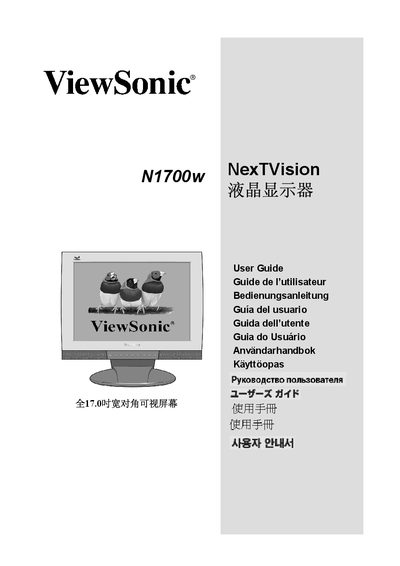
This guide walks you through unpacking, quick installation, and optional wall‑mounting of the ViewSonic N1700w NexTVision LCD monitor. It includes detailed steps for connecting power, video, and audio, as well as configuring resolution and refresh rate for optimal image quality.
Additional sections cover OSD controls, parental lock, troubleshooting, cleaning, and the one‑year limited warranty. Safety instructions and regulatory compliance information for U.S. and European markets are also provided.
| Screen size | 17.0" diagonal |
|---|---|
| Resolution (preferred) | 1280 × 768 |
| Input signals | RGB analog, DVI digital |
| Power voltage | 100‑240 V AC, 50/60 Hz |
| Weight | 12.3 lb (5.6 kg) |
| Dimensions (W × H × D) | 431 mm × 414 mm × 172 mm |
| Storage temperature | -4 °F to 140 °F (-20 °C to 60 °C) |
The monitor comes with a one‑year limited warranty covering material and workmanship defects.