
This document is a user guide for the ViewSonic P220f color monitor. It describes the features and characteristics of the monitor, as well as how to use and set it up.
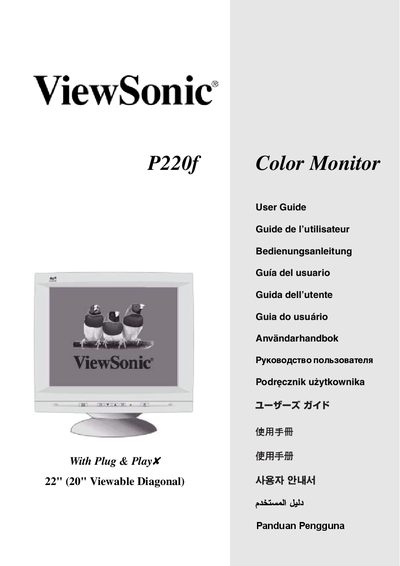
This guide explains how to unpack, connect, and install the ViewSonic P220f color monitor, including required cables, power connections, and driver installation from the supplied CD‑ROM. It also covers basic operation, OSD lock functions, and recommended viewing settings.
Additional sections detail supported video timings (VESA, VGA, and Macintosh modes), safety warnings, FCC and CE compliance information, and troubleshooting tips for interference or display issues.
| Screen Size | 22" diagonal |
|---|---|
| Maximum Resolution | 1600 x 1200 @ 85 Hz (VESA) |
| Supported VGA Mode | 640 x 480 @ 60 Hz |
| Connector Type | DB‑15 video connector |
The monitor supports multiple VESA timings such as 800 × 600 @ 85 Hz, 1024 × 768 @ 85 Hz, 1280 × 1024 @ 85 Hz, and 1600 × 1200 @ 85 Hz, as well as VGA 640 × 480 @ 60 Hz.
Re‑orient or relocate the receiving antenna, increase separation from the monitor, or use a different power circuit as suggested in the FCC information section.