
This document is a user guide for the ViewSonic G75f 17-inch color monitor with plug and play functionality. The document provides an overview of the main features and functions of the product.
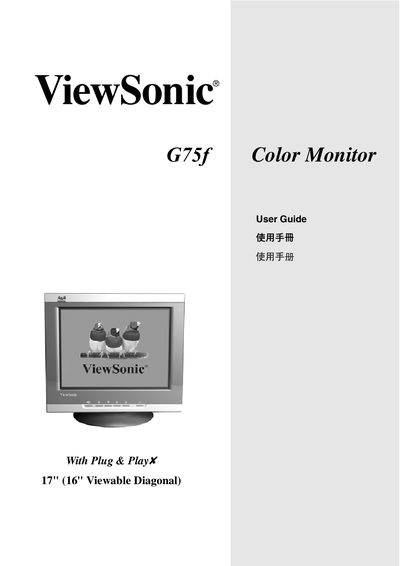
This manual covers everything needed to install and use the ViewSonic G75f color monitor, including quick installation steps, video connector setup, OSD configuration, and menu navigation. It also explains safety precautions, recommended viewing distance, and how to adjust picture settings such as contrast, brightness, and resolution.
Additional sections detail FCC and CE compliance, ENERGY STAR certification, and warranty information, along with instructions for registering the product and recycling at the end of its life. This manual is written in Chinese.
| Screen size | 17 inch (16 inch viewable) |
|---|---|
| Resolution | 1024 x 768 at 75 Hz |
| Recommended viewing distance | 45 cm or more |
| FCC classification | Class B digital device |
The monitor’s native resolution is 1024 × 768 with a refresh rate of 75 Hz.