
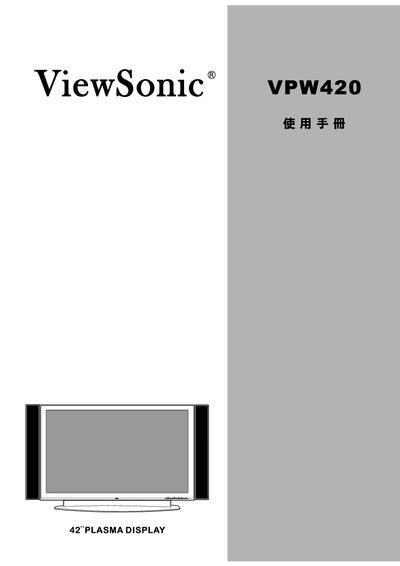
This manual covers essential safety precautions, proper installation, and connection of the VPW420 plasma display, including warnings about electric shock, grounding, and stable placement. It also explains how to avoid image retention by limiting continuous static images.
Additional sections describe cleaning methods, maintenance procedures, warranty registration, and how to obtain customer support. The document includes copyright and trademark notices from ViewSonic Corporation. This manual is written in Chinese.
Do not operate the plasma display with a static image for more than 30 minutes to avoid image retention.
Unplug the power cord from the outlet before performing any cleaning or maintenance.
No, the display should be placed on a stable, level surface such as the floor or a sturdy tabletop.