
ViewSonic G76f+ CRT Monitor User Guide, introduces the features and characteristics of the product, including compliance information, safety instructions, OSD menu, installation, connection, use, troubleshooting and other content.
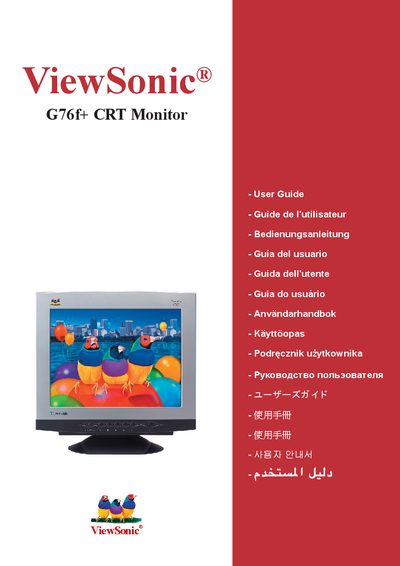
This guide begins with safety warnings and regulatory compliance information, then walks you through unpacking, connecting the power and VGA cables, and powering up the monitor. It also covers proper placement, handling, and cleaning to keep the CRT unit safe and functional.
Later sections explain how to adjust the timing mode and screen image, lock or unlock the OSD, diagnose common faults, and obtain customer support. Technical specifications and the limited one‑year warranty are also included. This manual is written in Chinese.
Press and hold the [2] button for 5 seconds to lock the OSD.
Press and hold the [2] button for 5 seconds again to unlock the OSD.
Select the VESA timing mode 1024×768 at 85 Hz (shown as VESAe 1024x768@85 Hz) via the OSD menu.
The monitor is covered by a one‑year warranty from the date of first purchase.