
ViewSonic VX715 LCD Display User Manual

This is a user manual for ViewSonic VX715 LCD Display
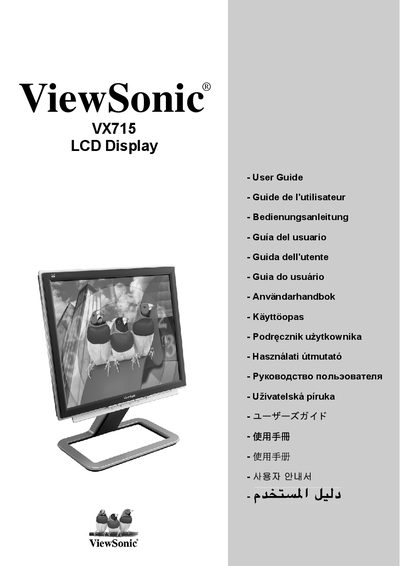

ViewSonic VX715 LCD Display User Manual - cover page
Brand
ViewSonic
Document type
User Manual
Language
English
Pages
21
File format
PDF
File size
1.3 MB
Published
21 March, 2012
Updated
30 September, 2023
MD5 checksum
1ECC1E26254FF683EEB4E9CA90E38BE6

About this manual

This manual begins with important safety instructions such as not using the monitor near water, keeping ventilation holes clear, and using a grounded power cord. It then describes the contents of the packaging, quick‑start installation, optional wall‑mount installation, and how to operate the LCD display, including screen‑adjustment and menu navigation.

Later sections cover technical specifications, fault diagnosis, cleaning procedures, customer support contact information, and the limited warranty terms for the VX715 monitor.

What's inside

  • Important Safety Instructions
  • Product Registration
  • Packaging Contents
  • Quick Installation
  • Wall‑Mount Installation (Optional)
  • Using the LCD Display
  • Setting Timer Mode
  • Screen Display and Power Button Lock Settings
  • Adjusting Screen Settings
  • Main Menu Controls

Frequently asked questions

What safety precautions should I follow when using the monitor?

Do not use the monitor near water, keep ventilation holes unobstructed, use only a dry cloth for cleaning, and ensure the power plug’s polarity and grounding are correct.

In what order should I power on the monitor and computer?

Turn on the LCD display first, then power up the computer.

What should Windows users do if they are prompted to install an INF file?

Run the INF file from the ViewSonic setup CD as instructed on the screen.

Download PDF (1.3 MB)

More ViewSonic Manuals


View all ViewSonic manuals →