
This manual explains the features and usage of the LC-X8 multimedia projector.
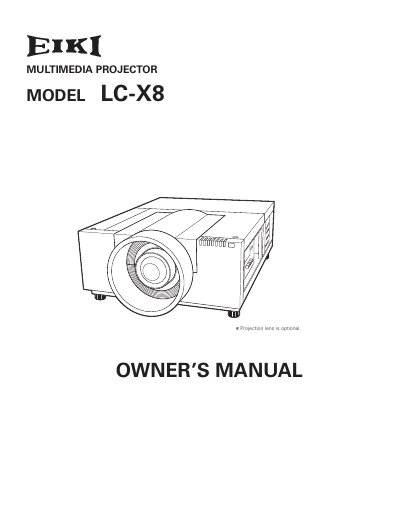
The EIKI LC-X8 is a multimedia projector designed with advanced technology for portability and ease of use. It features a matrix liquid crystal display (LCD) with a palette of 1.07 billion colors and supports multilanguage menu displays in 12 languages. Key functions include motor-driven lens shift, digital zoom, security features like PIN code locks, and automatic filter replacement.
| Display Technology | matrix liquid crystal display (LCD) |
|---|---|
| Supported Resolutions | up to WXUXGA |
| Menu Languages | 12 languages |
| Lens Shift | motordriven |
The operation menu is available in 12 languages: English, German, French, Italian, Spanish, Portuguese, Dutch, Swedish, Russian, Chinese, Korean, and Japanese.
No, the projector is not for use in a computer room as defined in the Standard for the Protection of Electronic Computer/Data Processing Equipment, ANSI/NFPA 75.
Allowing the proper amount of space on the top, sides, and rear of the projector cabinet is critical for proper air circulation and cooling of the unit.