
The LC-WB100 is a multimedia projector from Panasonic that has a compact design and multimedia features. It can be connected to a computer for presentations.
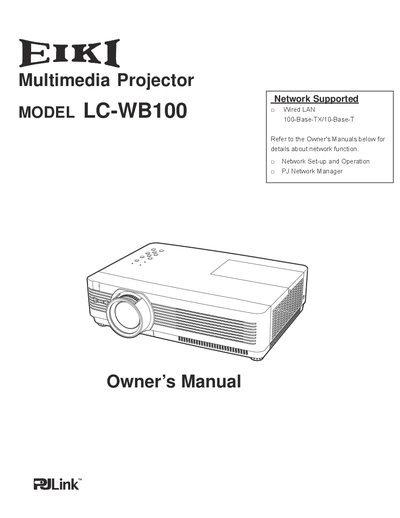
This manual provides instructions for the EIKI LC-WB100 multimedia projector, a compact device designed for portability and ease of use. It details features such as network support, security functions, and various input options including RGB, S-video, and component video. The guide explains how to set up the projector, adjust image settings, and utilize maintenance functions to ensure optimal performance.
| Resolution | Up to UXGA resolution |
|---|---|
| Colors | 16.77 million colors |
| Menu Languages | 17 languages |
| Network Support | Network Supported |
The projector can accept up to UXGA resolution.
The operation menu is available in 17 languages.