
The LC-WB200 Network Projector is a compact, lightweight, and easy-to-use multimedia projector. It features built-in multimedia features, a 16.77 million color palette, and LCD technology.
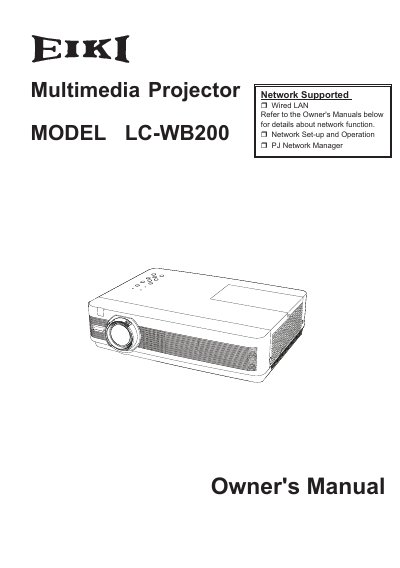
The EIKI LC-WB200 is a compact multimedia projector designed with advanced technology for portability and ease of use. It features a matrix liquid crystal display (LCD) capable of up to WUXGA resolution, 16.77 million colors, and built-in functions such as digital zoom, microphone input, and network management via Wired LAN or PJ Network Manager.
The manual covers safety instructions, installation positioning, connecting to various computer and video equipment, basic operation including menu navigation and auto setup, maintenance procedures like lamp replacement and filter cleaning, and troubleshooting guides for common issues.
| Resolution | Up to WUXGA |
|---|---|
| Color Palette | 16.77 million colors |
| Display Technology | Matrix LCD |
| Audio Output | 10W |
The operation menu is available in 22 languages including English, German, French, Spanish, Chinese, and Japanese.
Yes, it is loaded with Wired LAN network function to operate and manage the projector via network.
Read the manual again, check operations and cable connections, try solutions in the Troubleshooting section, or contact the dealer/service center.