
This user guide introduces the features and usage methods of ViewSonic N3250w LCD TV display.
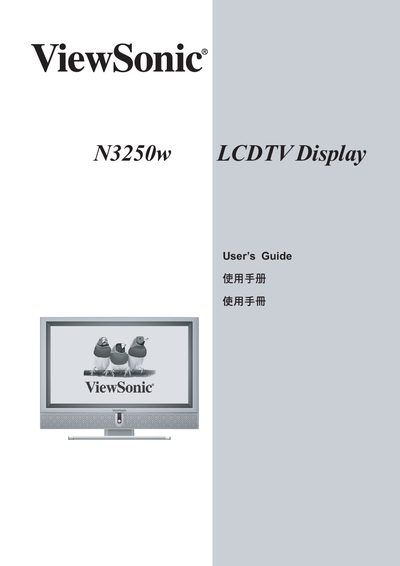
This guide covers all aspects of using the ViewSonic N3250w LCD TV, including important safety notices, antenna installation, cleaning procedures, remote‑control functions, and detailed menu navigation. It also lists the supplied accessories and shows front‑ and rear‑view diagrams of the unit.
Technical specifications, troubleshooting tips, customer‑support contacts, and warranty terms are provided toward the end of the document, helping users maintain and service the television throughout its life cycle. This manual is written in Chinese.
| Screen size | 31.5 inches |
|---|---|
| Maximum resolution | 1360 x 768 @ 60 Hz |
| Power consumption | < 200 W (green LED) / < 5 W (red LED) |
| Input signals | 1×Composite RCA, 1×S‑Video, 1×YPbPr, DVI (HDCP), 2×SCART |
| Audio output | 10 W × 2, stereo RCA (L/R) |
| Dimensions (W×H×D) | 808 mm × 646 mm × 210 mm |
| Weight | 21.8 kg (48 lb) |
| Operating temperature | 32 °F to 104 °F (0 °C to 40 °C) |
Turn the TV off, then wipe the screen with a clean, lint‑free dry cloth. For stubborn dirt, lightly dampen the cloth with a non‑ammonia, non‑alcohol glass cleaner. Do not spray liquids directly onto the screen.
Make sure the power button and the rear power switch are turned on, the AC power cord is securely connected, and the outlet is supplying voltage.