
CV-131A/ CV-131B is a PS/2 to SUN interface converter that converts PS/2 keyboard and mouse signals to SUN keyboard and mouse signals. It is compatible with SUN systems and features support for composite sync video, hotkey language selection, and bus-powered operation without the need for an external power adapter.
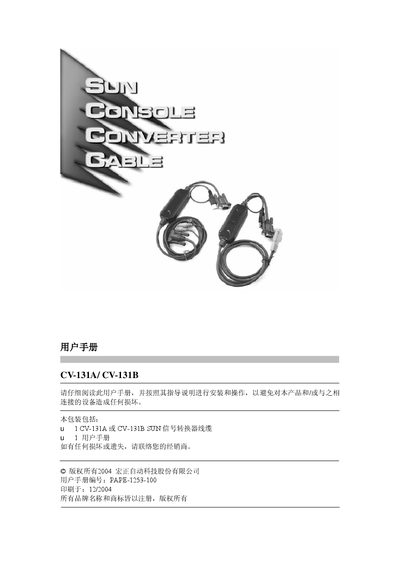
This manual describes the CV‑131A and CV‑131B PS/2 to SUN interface converters, which allow PS/2 keyboards and mice to be used with SUN servers. It covers compatibility with ATEN KVM switches, USB‑bus operation, supported keyboard languages, and high‑resolution display support.
The guide includes step‑by‑step installation, hot‑key commands for language selection and system reset, detailed product specifications, and a troubleshooting section for common issues such as wake‑up failure and display problems. This manual is written in Chinese.
| Connection ports (CV‑131A) | 1 x SFHD15 male connector |
|---|---|
| Connection ports (CV‑131B) | 2 x 6‑pin Mini‑DIN male connectors |
| Switch connector | 1 x HB.15 female connector |
| USB port | 1 x USBA male connector |
| LED indicator | 1 power LED |
| Supported resolutions | 1152×900, 1280×1024, 1600×1200 |
| Cable length | 1.8 m |
| Operating temperature | 0 °C – 50 °C |
| Storage temperature | -20 °C – 60 °C |
| Weight | 0.2 kg |
Press and hold the Qrl key, then press F12 and the corresponding hot‑key (e.g., Ctrl+F12,3 for US English) and finally release the Qrl key; the system must be rebooted after changing the layout.
Use the hot‑key combination Ctrl + F12, then F5S to perform a USB reset.