
This manual contains detailed instructions on how to install and use the ACS-1602 ADC KVM Switch. Please read and follow the instructions carefully to prevent damage to the unit.
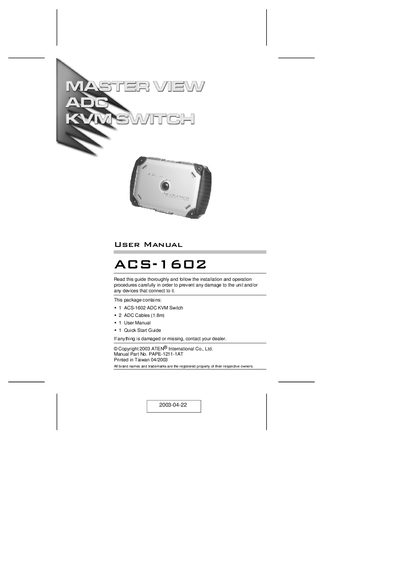
The ACS-1602 is a two‑port ADC KVM switch that lets a single ADC console control two ADC‑enabled Macs or DVI‑equipped PCs (with an ADC‑to‑DVI adapter). It carries video, USB, and power over a single ADC cable, eliminating extra desktop clutter.
The manual covers hardware requirements, installation steps, operation (including the Port Selection Switch), supported resolutions, cable requirements, and troubleshooting tips such as handling non‑hot‑pluggable components and video issues.
| Number of ports | 2 |
|---|---|
| Resolution | 1920 x 1200; DDC, DDC2, DDC2B |
| Operating Temperature | 0 ~ 50 °C |
| Storage Temperature | -20 ~ 60 °C |
| Humidity | 0 ~ 80% RH |
| Weight | 220 g |
| Dimensions (L x W x H) | 14.6 x 10.4 x 2.6 cm |
| Housing material | Plastic |
Press the Port Selection Switch on the unit’s top panel to toggle the KVM focus between the two ports.
Use the ADC cables supplied with the package; standard ADC cables cannot be used.
It supports up to 1920 × 1200 resolution with DDC, DDC2, and DDC2B.
No. Components on an ADC connection are NOT hot pluggable; you must follow the installation and power‑off/on sequences.