
CE-110/CE-120 Console Extender is a console extender from ATEN, which allows users to connect the computer system and the user's console (keyboard, monitor, and mouse). It is perfect for any type of environment.
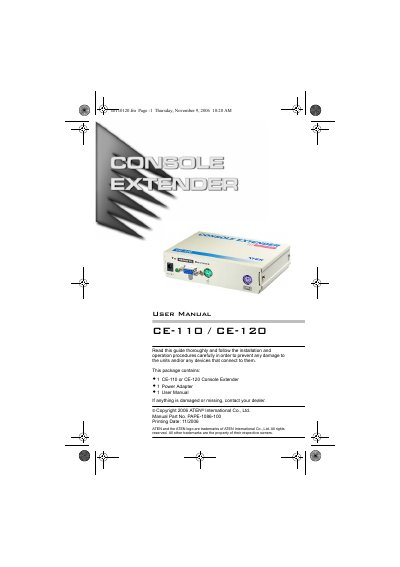
This manual covers the ATEN CE-110 and CE-120 Console Extenders, which let users place the keyboard, monitor and mouse far from the computer system. The CE-110 is designed for PC/AT computers, while the CE-120 works with PS/2 computers and supports SVGA, VGA and Multisync monitors with a transmission distance of up to 80 m.
The guide details required cables, step‑by‑step installation, technical specifications, troubleshooting tips, and warranty information. It also includes safety warnings and FCC compliance notes.
| Computer Type (CE-110) | PC/AT |
|---|---|
| Keyboard Connector (CE-110) | 1 × 5‑pin DIN |
| Monitor Connector (CE-110) | 1 × HD‑15 |
| Mouse Connector (CE-110) | 1 × 9‑pin D |
| Power Consumption | AC 9 V, 300 mA (max) |
| Cable Length | 1.8 m to computer, 80 m to console |
| Housing Material | Metal |
| Weight | 0.27 kg |
| Dimensions (L×W×H) | 13.7 × 10.3 × 3.4 cm |
| Maximum Transmission Distance | 80 m (262 ft) |
The console extender can transmit video and keyboard/mouse signals up to 80 meters (262 feet).
The CE-110 is intended for use with PC/AT type computers.
It uses a 9 V AC power adapter with a maximum current draw of 300 mA.