
This manual introduces the data exchange functions of ATEN ParaHub AF-142/AF-241, including file transfer and device sharing. ParaHub AF-142/AF-241 supports IEEE-1284 nibble mode and can select timeout time in 15 seconds or 45 seconds.
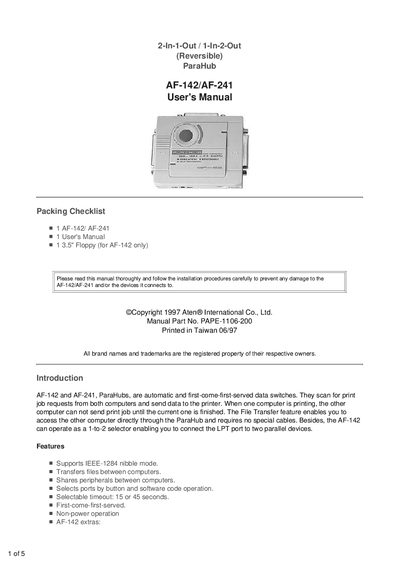
The manual introduces the ParaHub AF-142 and AF-241 as automatic, first‑come‑first‑served data switches that share printers and other parallel devices between two computers. It describes key features such as IEEE‑1284 nibble mode support, file transfer capability, selectable timeout, and reversible operation.
Installation procedures cover both 2‑to‑1 and 1‑to‑2 modes, wiring with DB‑25 cables, slide‑switch settings, and power‑adapter requirements. Operation instructions explain auto, manual, and file‑transfer modes, LED indicators, and button functions. The appendix lists technical specifications, and a troubleshooting section helps resolve LED lock‑ups, power issues, and driver conflicts.
| Power Consumption | DC 9V 100mA (max.) |
|---|---|
| Cable Length | 6 m (20 ft) max. |
| Connector Input (AF-142) | 1 DB‑25 (female) |
| Connector Output (AF-142) | 2 DB‑25 (female) |
| Enclosure | Plastic |
| Weight | 150 g |
| Dimensions | 102 × 85 × 26 mm (L×W×H) |
| Selectable Timeout | 15 or 45 seconds |