
This manual introduces the functions and usage of CE-250 KVM Extender, including installation, connection and operation.
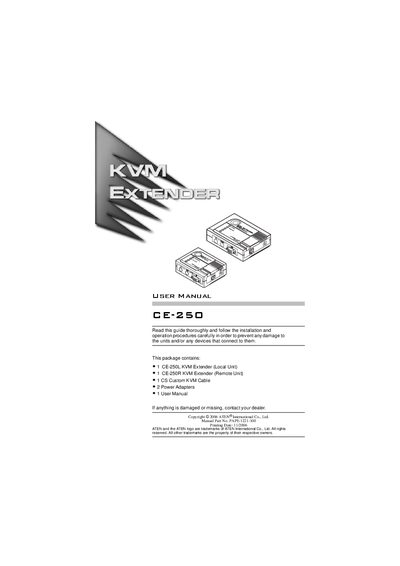
The CE-250 KVM Extender System lets you control a computer from a remote console using a single keyboard, monitor, and mouse. It uses standard Category 5 cable to connect a local unit (CE‑250L) and a remote unit (CE‑250R) up to 150 m apart, making it suitable for factories, construction sites, and secure installations.
The manual includes hardware descriptions, connection diagrams, system requirements, and detailed specifications such as video resolution, power consumption, and physical dimensions, as well as warranty information.
| Keyboard connector | 2‑pin Mini‑DIN |
|---|---|
| Mouse connector | 2‑pin Mini‑DIN |
| Monitor connector | 1× HDB‑15 |
| Maximum cable length | 150 m |
| Video resolution | 1280 × 1024 |
| Power consumption (local) | AC 9 V, 2.7 W (max) |
| Housing material | Plastic |
| Weight (local unit) | 0.30 kg |
| Dimensions (local unit) | 13 × 10 × 3.5 cm |
The CE-250 can operate with a Category 5 cable up to 150 meters long.
It supports video resolutions up to 1280 × 1024.
Category 5 cable is the minimum required to connect the local and remote units.
The package includes one local unit, one remote unit, a custom KVM cable, two power adapters, and the user manual.