
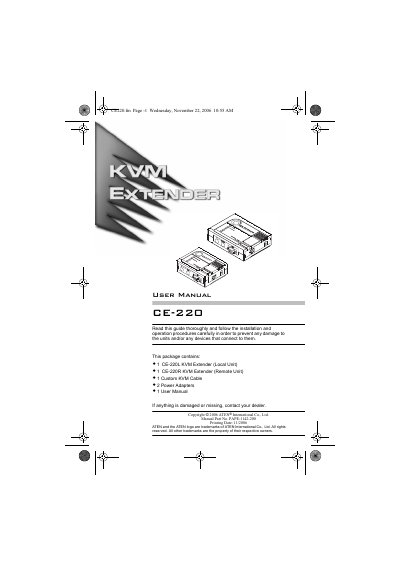
The ATEN CE-220 KVM Extender system lets a remote console (keyboard, monitor, and mouse) access a computer system over Category 5 cable, with the local and remote units up to 150 meters apart. The package includes a CE-220L Local Unit, a CE-220R Remote Unit, a custom KVM cable, two power adapters, and a user manual.
The manual describes the system's features, system requirements, and component parts for the Local and Remote Units, and provides specifications including video resolution, cable length, power consumption, weight, and dimensions.
| Cable Length | 150m [500'] (max.) |
|---|---|
| Video Resolution | 1024 x 768 |
| Power Consumption | AC 9V, 300mA (max.) |
| Housing | Plastic |
| Weight | 0.30kg (CE-220L); 0.22kg (CE-220R) |
| Dimensions (L x W x H) | 13x10x3.5cm (CE-220L); 10x8x3.5cm (CE-220R) |
The local and remote units can be up to 150 meters apart.
Category 5 cable is the minimum required to connect the local and remote CE-220 units.
It supports up to 1024 x 768 video resolution.
It supports local and remote PS/2 keyboard, monitor, and mouse consoles.