
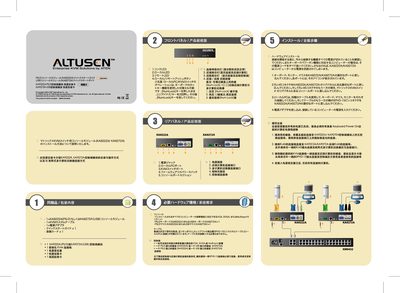
This guide explains how to install the ATEN KA9222A (PS/2) or KA9272A (USB) console modules, connect keyboards, mice, and monitors, and power the KVM switch. It emphasizes turning off all computers before making any connections and provides step‑by‑step instructions for plugging in the SPHD‑15 pin custom cable and the power adapter.
The package includes a quick start guide, registration card, and a high‑quality SPHD‑15 pin cable. Supported video resolutions are VGA, SVGA, or Multisync, and the device works with both PS/2 and USB peripherals. Local/remote switching can be done via the push button or a Num Lock key combination. This manual is written in Japanese.
| Supported video resolutions | VGA, SVGA, Multisync |
|---|---|
| Console module type | 1× KA9222A (PS/2) or KA9272A (USB) |
| Keyboard interface | PS/2 (KA9222A) or USB (KA9272A) |
| Mouse interface | PS/2 (KA9222A) or USB (KA9272A) |
Yes, ensure that the power of all devices to be connected is turned off before starting the connection.
Use the local/remote push button or hold the Num Lock key while pressing the appropriate key combination.