
This document is a user guide for the CANON digital camera CDI-C236-010, which provides information about the camera's components, basic operations, shooting functions, playback/deletion, printing/transmission settings, and connection to other devices.
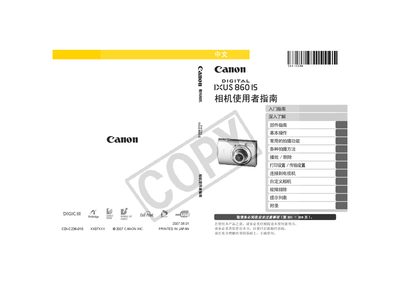
This manual guides users through the basic setup of the IXUS 860 IS, including checking the package contents, installing the battery and memory card, and connecting the camera to a TV or computer. It also covers fundamental operations such as taking still photos, recording short videos, and using the playback functions.
Advanced sections describe various shooting modes, custom settings, image stabilization, flash usage, and detailed troubleshooting steps. Safety precautions, warranty information, and a full specifications list are also included. This manual is written in Chinese.
| Battery type | NB-5L |
|---|---|
| Video output format | Region‑specific video signal format |
| AV cable model | hvc‑DC300 |
Select the format option in the menu (see page 65).
It uses an NB‑5L battery.
Use the AV cable (model hvc‑DC300) to connect the camera to a television (see page 183).
Choose the reset option in the menu to restore default settings (see page 64).