
The document describes the features and characteristics of a product.
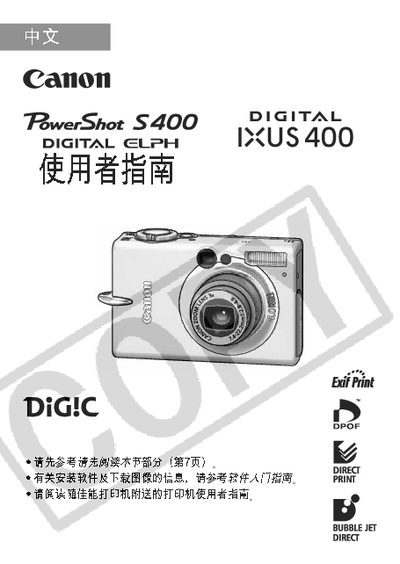
This manual provides step‑by‑step instructions for using the Canon PowerShot S400 camera, including basic operation, menu navigation, and shooting mode selection. It also explains how to connect the camera to a printer and use the DPOF feature for printing.
Additional sections cover battery charging procedures, LCD display functions, and troubleshooting tips to help users get the most out of their camera. This manual is written in Chinese.
| Pixel quality | 99.99% of pixels meet specification |
|---|
Select the desired mode (M, F, etc.) using the mode dial as shown in the mode selection section.