
Canon PowerShot SD10 Camera User Manual

This is a tablet computer, brand is Huawei, model is MatePad Pro 12.6 inch
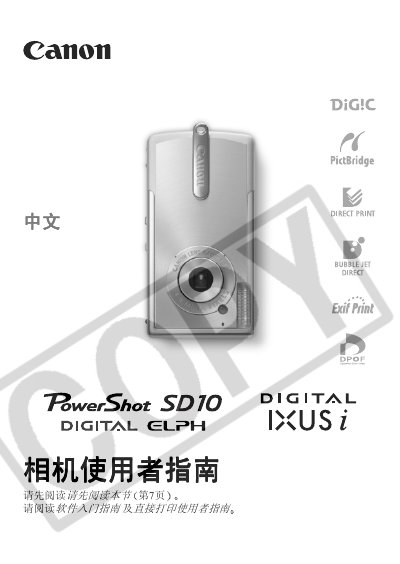

Canon PowerShot SD10 Camera User Manual - cover page
Brand
Canon
Category
Digital cameras
Document type
User Manual
Language
Chinese
Pages
172
File format
PDF
File size
3.8 MB
Published
20 March, 2012
Updated
30 September, 2023
MD5 checksum
8F20303E19DED624BCA5E455B2227C8F

About this manual

This guide covers all essential functions of the PowerShot SD10, including basic controls, various shooting modes, playback of images and videos, and how to print directly from the camera. It also explains how to connect the camera to a computer via USB and provides troubleshooting tips.

The manual includes safety notices, battery charging instructions, LCD specifications, ISO settings, and a full list of technical specifications for the camera. This manual is written in Chinese.

What's inside

  • Quick Start
  • Camera Overview
  • Basic Functions
  • Shooting
  • Playback
  • Printing Setup
  • Connecting to Computer
  • Troubleshooting
  • Specifications

Frequently asked questions

How do I connect the camera to a computer?

Use a USB cable to connect the camera to the computer.

How can I change the ISO sensitivity?

The camera automatically sets ISO, but you can adjust it through the menu settings.

Download PDF (3.8 MB)

More Canon Manuals


View all Canon manuals →