
This page introduces a game controller produced by Nintendo. It has functions such as power switch, joystick, ABXY buttons, battery power supply, receiver indicator light, controller socket plug, channel switch, etc.
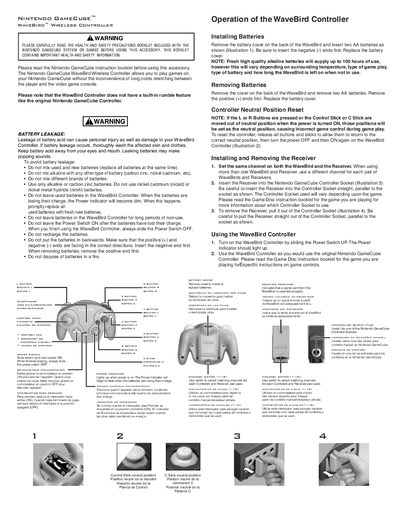
The WaveBird Wireless Controller manual provides safety precautions, battery installation steps, and instructions for pairing the controller with its receiver. It explains how to select matching channels, operate the controller, and reset neutral positions.
Additional sections cover troubleshooting tips, FCC and Industry Canada compliance information, and warranty details, helping users resolve common issues and understand the product’s regulatory status.
| Battery type | AA alkaline or carbon zinc |
|---|---|
| Effective range | Up to 20 feet (6 meters) |
| Power indicator behavior | Dims when batteries are low |
Remove the battery cover on the back, insert two AA batteries with the negative ends first, then replace the cover.
Use the channel switch on both the controller and the receiver to select matching channels from 1 to 16.