
ArcSoft PhotoStudio User Guide

This document is the user manual of ArcSoft PhotoStudio
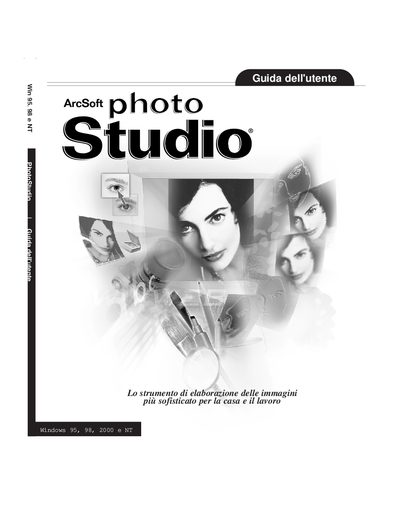

ArcSoft PhotoStudio User Guide - cover page
Brand
ArcSoft
Category
Graphic images
Document type
User Manual
Language
Italian
Pages
107
File format
PDF
File size
9.7 MB
Published
19 March, 2012
Updated
30 September, 2023
MD5 checksum
F4F0C708DABF9ED13639087B6130FFEF

About this manual

This guide introduces PhotoStudio, an image‑processing application for home and professional use. It explains the desktop layout, basic editing commands, file handling, and advanced features such as layers, macros, and special effects.

The manual also includes the software license agreement, system requirements, and contact information for ArcSoft technical support. Users can find details on supported operating systems, registration, and how to obtain assistance. This manual is written in Italian.

What's inside

  • Introduction
  • Desktop Overview
  • Basic Editing Commands
  • Opening and Creating Image Files
  • Viewing Images
  • Selecting Areas
  • Working with Colors
  • Painting and Retouch Tools
  • Image Enhancement
  • Special Effects

Specifications

Supported Operating SystemsWindows 95, 98, 2000 and NT

Frequently asked questions

Which Windows versions does PhotoStudio run on?

PhotoStudio runs on Windows 95, 98, 2000 and NT.

Download PDF (9.7 MB)

More ArcSoft Manuals


View all ArcSoft manuals →