
This is a quick start guide for ArcSoft PhotoBase.
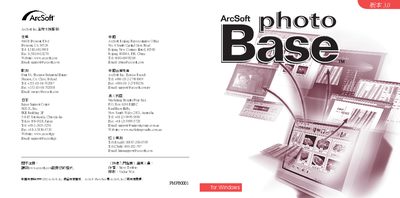
PhotoBase is a media‑management program that lets you organize, edit, and present photos and videos. It provides tools for importing from cameras, editing images, building albums, printing, and creating slideshows or web galleries.
The guide walks you through system requirements, basic operations such as importing files, using the toolbar functions, editing pictures, making slideshows, printing, and linking external applications. This manual is written in Chinese.
| Operating System | Windows 98/ME/2000/XP |
|---|---|
| Processor | Pentium II or equivalent |
| Disk Space | 100 MB free space |
| Display | 16‑bit color or higher graphics card |
| Video Support | Apple QuickTime 4.0+ (MOV files) |
Use the toolbar button “取得” or the menu → 影像取得 to capture images from a digital camera, scanner, or other supported device, then follow the prompts to select the source and import the files.