
This manual introduces the features and functions of PET1002 portable DVD player.
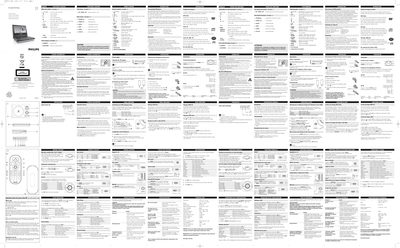
This manual explains how to operate the Philips PET1002 portable DVD player, covering basic functions such as loading discs, using the remote control, and navigating menus. It also details special DVD features like camera angles, subtitles, and language selection.
Additional sections describe power options, safety guidelines, OSD and setup menus, audio/video settings, and troubleshooting steps for common issues such as no power, distorted picture, or no sound.
| Dimensions | 18.9 x 14.7 x 3.7 cm |
|---|---|
| Weight | 0.86 kg / 1.89 lb |
| Power supply | DC 9V 1.8A |
| Operating temperature range | 0 - 50 °C (32 ~ 122 °F) |
| Laser wavelength | 650 nm |
| Video system | NTSC / PAL / AUTO |
| Audio output level | 2 V ± 10 % |
Press the LANGUAGE button repeatedly until the desired language option appears on the screen.
Press the MUTE button once to mute the volume; press it again to restore the sound.
Verify that the mains plug is securely connected, that the AC outlet has power, and that any battery pack or car adapter is correctly inserted.