
This manual introduces the use of the Kodak Digital Science™ DVC323 Digital Video camera.
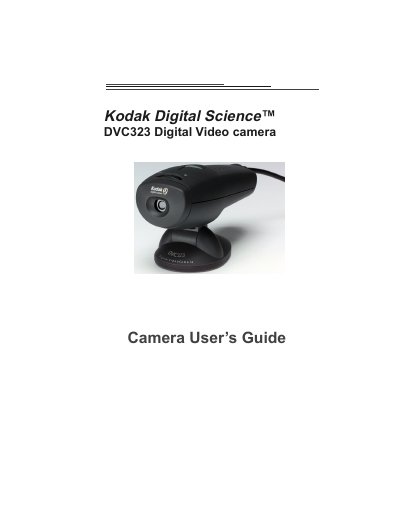
This guide walks you through unpacking, installing drivers, and connecting the Kodak DVC323 digital video camera to a PC via its built‑in USB cable. It explains the camera’s controls, focusing wheel, and how to capture still images and video clips using the supplied software.
The manual also covers system requirements, troubleshooting steps, safety precautions, and warranty registration details, ensuring you can maintain and service the camera correctly.
| Image sensor resolution | 640 × 480 pixels |
|---|---|
| Photo resolution | 640 × 480 pixels, 24‑bit color |
| Video resolutions | 160 × 120, 320 × 240, 352 × 288 (CIF), 176 × 144 (QCIF) |
| Video frame rate | 10‑30 fps (telephoto/normal), 12‑28 fps (wide angle) |
| Lens focal length | 6.2 mm, f/2.5 |
| Digital zoom / field of view | Telephoto 20°, Normal 30°, Wide Angle 42° |
| USB power consumption | < 500 mA @ 5 V |
| Operating temperature range | 40 °F – 104 °F (4.4 °C – 40 °C) |
The camera has an integrated USB cable; simply plug the USB connector into a USB 1.0 port on your computer.
Yes, the DVC323 supports videoconferencing with software such as Microsoft NetMeeting or CU‑SeeMe.