
This document is about the camera product of Eastman Kodak Company, mainly introducing the various features and functions of the camera.
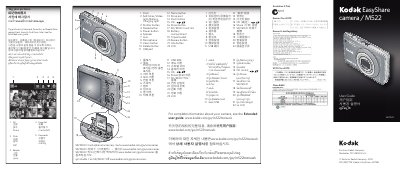
This guide explains the layout and functions of the Kodak EasyShare M522 camera, covering buttons such as Menu, Shutter, Share, Mode, Delete, and the LCD display. It also describes how to use the SD/SDHC memory card slot, connect via USB, and install Kodak software for transferring photos and videos.
Additional sections cover battery charging (steady green indicates a full charge), video recording steps, and the sharing features that require the Kodak Share Button app. The manual includes troubleshooting tips and basic usage instructions for everyday photography and video capture.
| Memory Card Type | SD/SDHC |
|---|
When the charger shows a steady green light, the battery is fully charged.
Press the Mode button, select Video, press OK, then press the Shutter button to start recording and press it again to stop.