
This manual describes how to use the Kodak EASYSHARE MD30 digital camera, including its features and operating procedures, as well as how to take and save photos
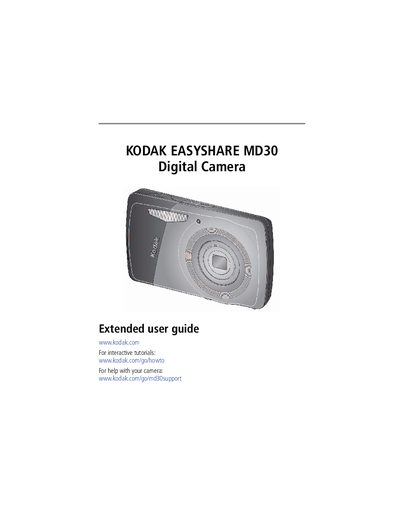
This extended user guide covers everything you need to get started with the Kodak EasyShare MD30 digital camera, from attaching the strap and loading the KLIC‑7006 battery to configuring language, date, and time settings. Detailed chapters walk you through taking photos and videos, using optical and digital zoom, flash, and various shooting modes, as well as sharing, tagging, and printing your images.
Additional sections explain how to review and edit pictures, create slideshows, transfer files to a computer, and troubleshoot common issues. An appendix provides full camera specifications, maintenance tips, and warranty information.
| Effective pixels | 12.2 MP (4026 x 3026) |
|---|---|
| LCD size | 2.7 in (6.9 cm) |
| Optical zoom | 3X |
| Digital zoom | 5X continuous |
| Shutter speed range | 1/8–1/1400 sec |
| ISO speed (Smart Capture) | Auto 80–400 |
| Maximum SD/SDHC card size | 32 GB |
| Internal storage capacity | 32 MB (20 MB available for images) |
Connect the camera to the supplied USB cable and charger; the battery charging light will blink while charging and stay steady when fully charged.
Press the Power button, then use the Setup menu to select language and date/time options; future changes can also be made via the Setup menu.
Press the Telephoto button until the optical zoom range ends, then press it again to activate digital zoom up to 5× magnification; image quality may decrease.