
This document is an extended user guide for the Kodak PlaySport Video Camera Zx3 model, describing the features and characteristics of the product.
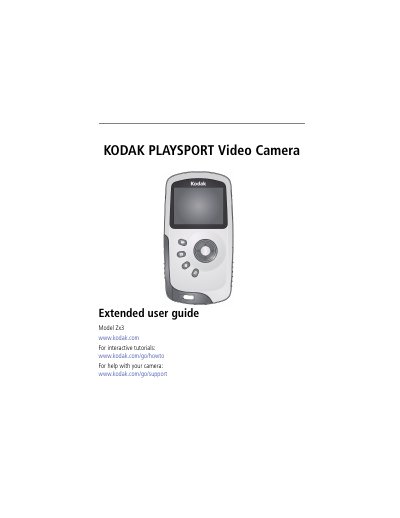
This guide walks you through setting up the Kodak Zx3 PlaySport video camera, including charging the battery, inserting an SD/SDHC card, and attaching the strap. Detailed instructions explain how to turn the camera on, adjust settings, record video, take pictures, and use special features such as underwater mode and remote control.
Later sections cover transferring files to a computer, editing and sharing online, connecting the camera to a TV via HDMI, and troubleshooting common issues. An appendix provides full specifications, safety information, warranty details, and regulatory compliance.
| Image sensor | 1/2.5-type, 5 MP, CMOS |
|---|---|
| Lens | 5.5 mm focal length, f/2.8 |
| Digital zoom | 4× |
| LCD screen | 5 cm (2 in.) diagonal, 154 K pixels |
The camera supports SD/SDHC cards up to 32 GB.
Connect the HDMI™ Out port on the camera to the TV’s HDMI input to view videos on a television.