
This document is the user manual for Kodak EasyShare photo printer 350. It introduces the features and characteristics of the product, including the product appearance, connection method, and use method.
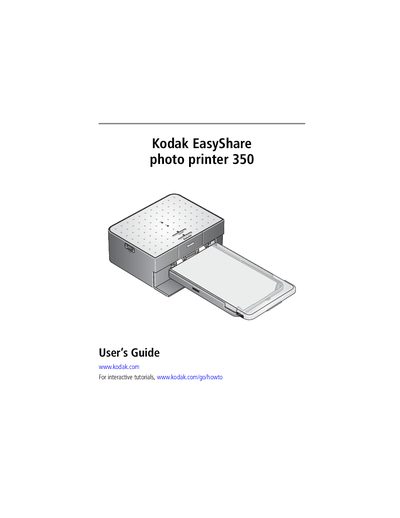
This guide walks you through getting started with the EasyShare Photo Printer 350, including selecting a suitable location, connecting power and USB cables, loading the ink cartridge and paper, and using the Bluetooth and PictBridge functions. It also explains how to install the printer software on a computer and how to print from various devices.
Additional sections cover care and maintenance tips, troubleshooting common printing problems, and regulatory compliance information. An appendix lists the printer’s specifications and safety instructions.
At least 5 inches (12.7 cm) clearance is required at the back of the printer for paper travel.
Store the cartridge in a location where the temperature does not exceed 85 °F (30 °C) and keep it out of reach of children.