
This manual introduces how to use Kodak Z5010 digital camera. It covers the camera’s features, how to install batteries and storage card, how to take photos and videos, how to connect to computer etc.
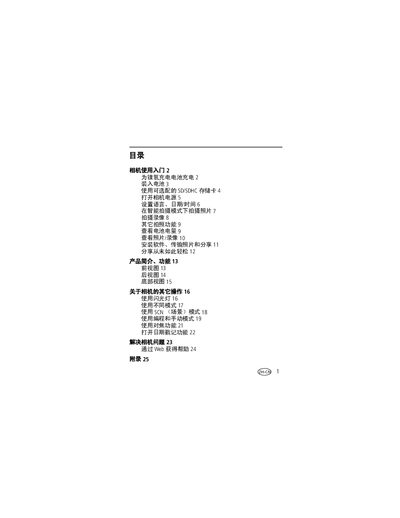
The guide introduces the camera’s basic operation, safety notices, and how to insert and use SD/SDHC memory cards. It explains the intelligent shooting mode, video recording options, and other common functions.
Additional sections cover proper handling of the memory card, video resolution settings, and a troubleshooting chapter that helps resolve common issues. This manual is written in Chinese.
| Maximum HD720p video file size | Up to 2 GB (8‑10 min) |
|---|---|
| Maximum VGA video file size | Up to 2 GB (20‑25 min) |
Insert the card in the correct direction; inserting it backwards can damage the card or the camera.
Select the intelligent shooting mode from the menu to enable automatic scene detection and optimized settings.