
This manual describes the various functions, operations and settings for the OLYMPUS Digital Color Printer P-440. Important information items related to potential mechanical or operating malfunctions are indicated with a “ warning ” symbol; while any information that is convenient or beneficial to your use of this product is indicated with a “ tip ” title.
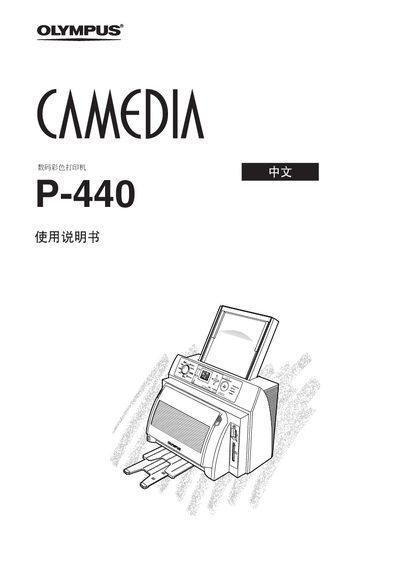
This manual covers the basic operation of the Olympus P-440 printer, including how to select modes, load media, and use the various input options. It also describes the layout of the control panel and the functions of each button and dial.
Additional sections explain error messages, maintenance procedures, and specifications for supported memory cards and paper types, helping users troubleshoot and keep the printer running smoothly.