
This is a user manual of Kodak EasyShare-One zoom digital camera
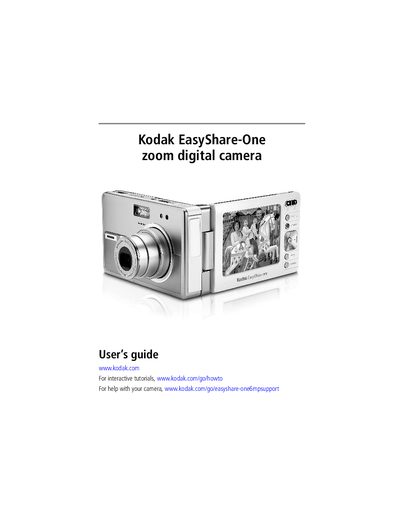
This guide walks you through getting started with the Kodak EasyShare-One Zoom digital camera, including attaching the wrist strap, charging and loading the battery, and inserting an optional SD/MMC card. It also explains how to turn the camera on and off, navigate the menus, and set up the device for Wi‑Fi use.
Later sections cover taking pictures and videos, using optical and digital zoom, flash, and self‑timer, as well as viewing, organizing, editing, and sharing your media. The manual includes detailed instructions for connecting to a Wi‑Fi network, synchronizing and transferring files to a computer, and troubleshooting common issues.
| Power Input | 5 V DC |
|---|---|
| Wi‑Fi Card Slot | Slot for Kodak Wi‑Fi® card (optional) |
| SD/MMC Card Slot | Optional SD/MMC card slot |
| USB Interface | USB connector |
| Battery | Removable rechargeable battery |
The wrist strap is attached by sliding it onto the wrist‑strap mount as described in the Getting Started section.
Open the back of the camera and insert the SD/MMC card into the optional card slot.
Insert a Kodak Wi‑Fi® card into the Wi‑Fi card slot, then follow the on‑screen prompts to select and connect to a wireless network.
Connect the camera to a 5 V DC power source using the DC‑In connector or an optional AC adapter to charge the battery.