
This document is about the user manual for Rollei Prego 100 WA and Rollei Prego 130 WA cameras
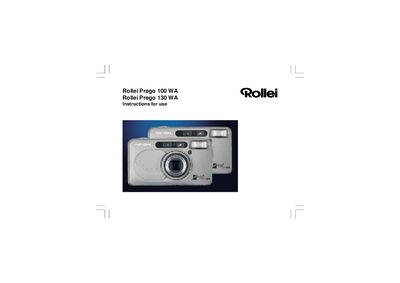
This manual covers the Rollei Prego 100 WA and 130 WA fully automatic autofocus compact cameras. It explains how to prepare the camera, install the battery, load and rewind film, and use the various shooting modes and flash functions.
Key sections include battery handling, film handling, camera operation (zoom, focus, self‑timer, remote control), flash mode selection, and a troubleshooting guide with common error causes and remedies.
| Film type | 35 mm film with DX code |
|---|---|
| Lens (Prego 100 WA) | 3.6× zoom, 28–100 mm |
| Lens (Prego 130 WA) | 4.6× zoom, 28–130 mm |
| Shutter speed range | 1 s – 1/500 s |
| Power supply | 1 × 3 V lithium battery (CR2) |
| Weight (Prego 100 WA) | 175 g (without battery) |
Unlock the battery compartment cover, insert the 3 V lithium battery with the correct polarity, close the cover and ensure the camera is switched off before changing the battery.
Open the back with the unlocking button, place the film in the compartment, pull it until the leader reaches the take‑up spool, close the back and the motor will advance the film to frame 1.