
This document provides detailed instructions for using the camera's features and functions.
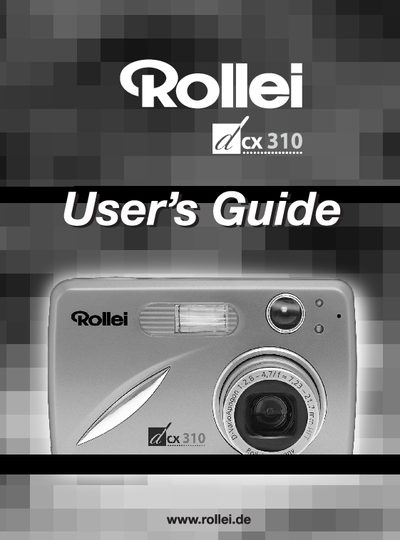
This manual introduces the Rollei dex310 camera, describing its physical layout, key buttons, LCD icons, and accessories included in the package. It guides users through initial setup steps such as attaching the wrist strap, inserting batteries, and configuring language, date, and time.
Further sections cover taking photos and video clips, reviewing and managing files, customizing settings, installing software on a computer, connecting to a TV, and safety and regulatory information. Troubleshooting tips and specifications are also provided.
| Resolution | 3.1 Megapixels, 2048 x 1536 |
|---|---|
| LCD | 1.5" Color LCD |
| Optical Zoom | 3x |
| Digital Zoom | 4x |
| Internal Memory | 16 MB |
| Memory Card Compatibility | Secure Digital (SD) cards (not included) |
| Battery Type | 2 × AA rechargeable NiMH (or alkaline/lithium) |
Press the Power Button (marked @) to turn the camera on; press the same button (marked M) to turn it off.
Attach the wrist strap to the camera as shown to prevent dropping the camera.
When the camera is powered on for the first time, the Language Setup screen appears; use the arrow keys and the OK button to select language, then adjust date and time using the highlighted fields.
The LCD displays five battery level icons showing full, 3/4, 1/2, 1/4, and empty states.