
NEC NP215/NP210/NP115/NP110 projector user's manual, introduces the projector's usage methods and precautions
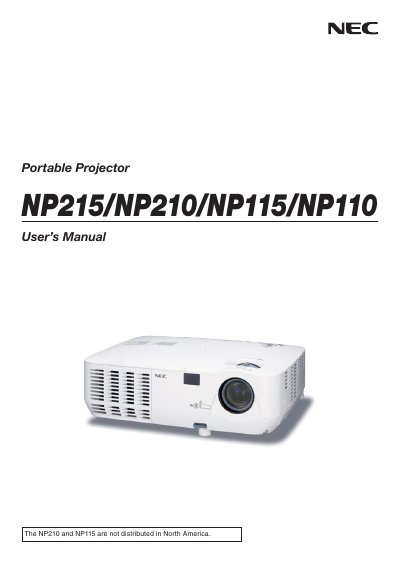
This manual covers important safety precautions, including power‑off procedures, ventilation requirements, and warnings about high‑voltage components. It also details installation options such as desktop and ceiling mounting, connection methods for PCs, DVD players, and network (NP215 only), and basic operation like turning the projector on, adjusting picture size, and using the remote control.
Additional sections explain lamp replacement, high‑altitude mode settings, and the TravelCare service program with repair, loan, and warranty information. The document concludes with regulatory notices for FCC, Canada, and California, as well as disposal instructions for the mercury‑containing lamp.
| Power Supply | 100-240V AC 50/60 Hz |
|---|---|
| Lamp Type | High‑pressure mercury lamp |
| Maximum Tilt Angle | 10 degrees |
| Sound Pressure Level | < 70 dB(A) |
| High‑Altitude Mode | Set FAN MODE to HIGH ALTITUDE above ~5500 ft |
Yes, set the fan mode to HIGH ALTITUDE when operating above roughly 5500 ft; otherwise the projector may overheat or the lamp may over‑cool.