
Lenovo 5200MFC User Quick Reference Manual, introduces how to install, set up, connect PC and use the product
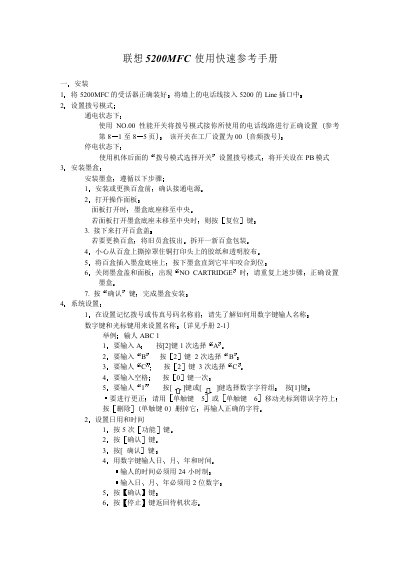
This guide shows how to install the 5200MFC, connect the telephone line, set the dialing mode and install the ink cartridge. It also explains system settings such as date/time, station name and fax number configuration.
Additional sections cover fax sending (manual, automatic and scheduled), receiving modes, copying, printing, scanning and how to connect the unit to a PC via an 8‑bit parallel port and install the required driver software. This manual is written in Chinese.
| Supported PC Processor | 486 or higher (Pentium recommended) |
|---|
With the unit powered on, use the NO.00 performance switch to select the appropriate dialing mode (audio, PB, etc.) as described in the manual.