
This is the user manual for MFC-790CW, which introduces how to use the device's general information, load paper and originals, general settings, security features, send faxes and other content
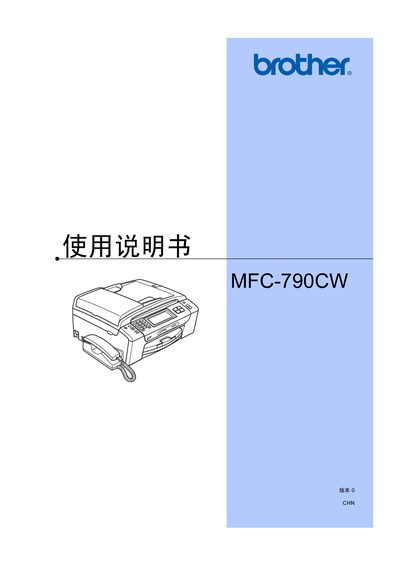
This manual provides detailed instructions for the Brother MFC-790CW multifunction inkjet printer. It includes safety notices, hardware overview, loading paper and media, and step‑by‑step procedures for printing, scanning, copying, faxing and telephone functions.
Additional sections cover software and network setup, troubleshooting, routine maintenance, and full technical specifications of the device. This manual is written in Chinese.
| Printer type | Inkjet printer |
|---|---|
| Black ink nozzle count | 94 × 1 piezo nozzles |
| Color ink nozzle count | 94 × 3 piezo nozzles |
| Memory capacity | 48 MB |
| LCD touch screen size | 4.2 inches (106.7 mm) |
| Power supply | AC 220‑240 V, 50/60 Hz |
Load paper by opening the paper tray, placing the paper stack within the indicated guides, and adjusting the paper guides to match the paper size before closing the tray.
The printer has a memory capacity of 48 MB.