
Antec DF-30 black case user manual, introduces the features and characteristics of the case, including case specifications, hardware installation steps, front I/O installation steps and cooling system
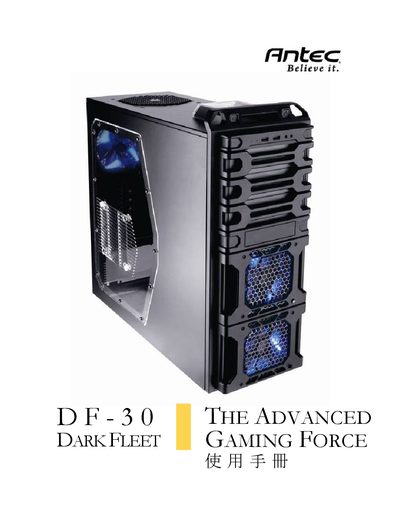
This manual guides users through the assembly of the Antec DF-30 mid‑tower chassis, describing the layout of panels, mounting points, and cable routing. It includes step‑by‑step instructions for installing fans, drives, and other components.
Key specifications are listed, such as the case dimensions (485 mm H × 198 mm W × 486 mm D) and weight (15.1 lb / 6.9 kg). The DF‑30 supports a variety of cooling options, including a 140 mm top fan, a 120 mm rear fan, two 120 mm front variable‑speed fans, and a 120 mm side fan, as well as multiple drive bays for 3.5″, 5.25″, and 2.5″ devices. Front panel connectivity includes two USB 2.0 ports.
| Dimensions (H × W × D) | 485 mm × 198 mm × 486 mm |
|---|---|
| Weight | 15.1 lb / 6.9 kg |
| Top fan support | 1 × 140 mm TwoCool™ |
| Rear fan support | 1 × 120 mm |
| Front fan support | 2 × 120 mm variable‑speed |
| Side fan support | 1 × 120 mm |
| Internal 3.5" drive bays | 6 |
| External 5.25" drive bays | 3 |
| Top external 2.5" hot‑swap SATA bay | 1 |
| Bottom‑mounted 2.5" SSD bay | 1 |
| Front USB ports | 2 × USB 2.0 |
The DF‑30 measures 485 mm high, 198 mm wide and 486 mm deep, and it weighs 15.1 lb (6.9 kg).
There are two USB 2.0 ports on the front panel.