
This document is about the DVD video player DVP 642K, including its features and characteristics.
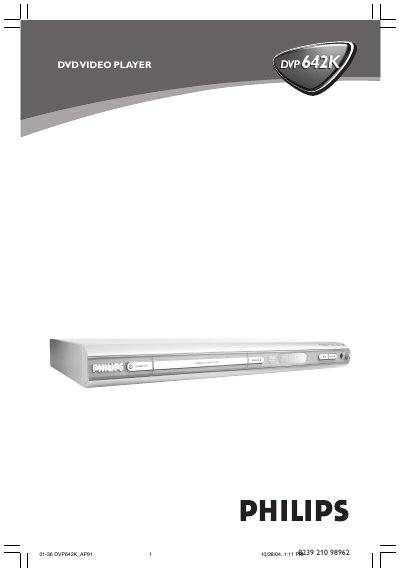
This manual covers the basic setup of the Philips DVP642K DVD Video Player, including power connection, remote control functions, and all available audio/video inputs and outputs. It explains how to connect CVBS, S‑Video, Component video, stereo audio, optical and coaxial digital audio, as well as RF antenna.
Operational guidance includes using the STANDBY‑ON, PLAY/PAUSE, STOP, LEVEL (volume), and other remote buttons, plus troubleshooting tips for common issues such as no picture, audio problems, or playback errors.
| Video Input – CVBS | Supported |
|---|---|
| Video Input – S‑Video | Supported |
| Video Input – Component | Supported |
| Audio Output – Stereo (FL/FR) | Supported |
| Digital Audio Output – Optical | Supported |
| Digital Audio Output – Coaxial | Supported |
Press the STANDBY‑ON button on the remote or front panel.
The player provides stereo AUDIO OUT (FL/FR), an optical digital audio output, and a coaxial digital audio output.
You can connect CVBS, S‑Video, or Component video signals to the player.
Press the PLAY/PAUSE button on the remote control.