
dvd video player dvp 640k
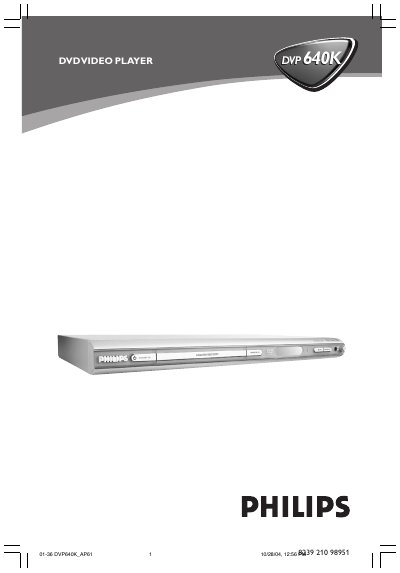
This manual covers the basic operation of the Philips DVP640K DVD video player, including how to power the unit, insert discs, and navigate the on‑screen menus. It also explains the various audio and video output options such as L R AUDIO OUT, VIDEO OUT, S‑VIDEO OUT, DIGITAL OUT, and COAXIAL/OPTICAL connections.
Safety information, remote‑control functions, and troubleshooting tips are included to help users set up the player correctly and resolve common issues like a "NO DISC" message. The document also lists the physical dimensions of the unit and provides a quick reference for button functions and indicator lights.
| Physical size | 10 cm (4 inches) |
|---|
Use the L R AUDIO OUT connectors on the back of the player for stereo audio signals.
It indicates that no disc is inserted in the player.