
This document is the manual of LCD monitor, which mainly introduces the features and usage of LCD monitor
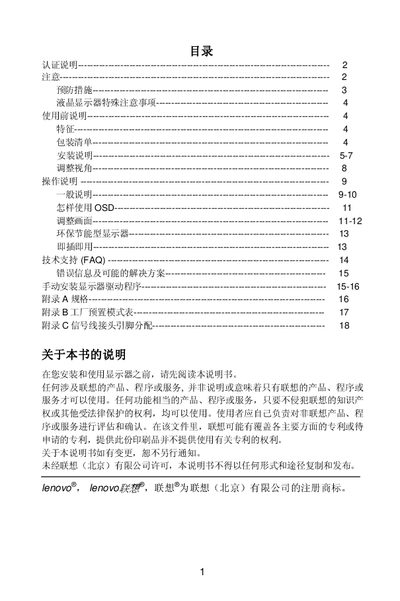
This manual begins with safety and precaution guidelines, warning users to keep the monitor away from water sources, heat sources, and to avoid opening the case due to high voltage. It also outlines proper handling, ventilation requirements, and the need for grounded power connections.
The document then covers installation of the monitor base and swivel cover, adjustment of viewing angle, connection of power and signal cables, and includes a pin‑out table for the 15‑pin VGA connector. Technical specifications such as screen size, resolution, and power requirements are listed, along with information on hazardous substances compliance. This manual is written in Chinese.
| Screen size | 43.2 cm (17") TFT color LCD |
|---|---|
| Native resolution | 1280 × 1024 @ 60 Hz |
| Power input | 100‑240 V AC, 0.8 A |
| Signal connector | 15‑pin VGA |
Keep the monitor away from water sources, heat sources, and do not open the rear cover; ensure proper ventilation and use grounded power connections.
Place the monitor face‑down on a flat, soft surface, align the base with the hook under the stand, and push it in until it clicks into place.
The monitor can be tilted from approximately –4° to 20° to achieve the optimal viewing angle.