
This document is a user guide for a flat panel display, which mainly introduces the shipping contents, methods of connecting the base and operating the display, product overview, tilt adjustment, display control, installation of the display, and connecting and opening the display.
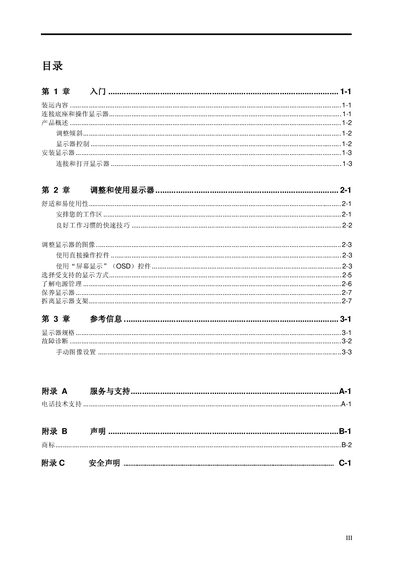
This manual provides step‑by‑step instructions for unpacking, installing, and operating the Lenovo D170wA flat panel display. It covers connecting the monitor to a computer, powering the unit, and using the on‑screen display (OSD) controls for image adjustment and power management.
The guide also includes ergonomic advice for optimal workstation setup, detailed technical specifications, troubleshooting tips, and safety warnings. Service and support contact information is provided for further assistance. This manual is written in Chinese.
| Tilt range | -5° to +20° |
|---|---|
| VESA mount pattern | 100 mm × 100 mm |
| Maximum resolution | 1440 × 900 @ 60 Hz |
| Power input | 100‑240 V AC, 50/60 Hz, 1.5 A |
| Power consumption (typical) | <30 W (operating), <2 W (standby) |
The display can be tilted from –5° to +20° using the tilt adjustment mechanism.
Press the “Auto Image Setup” key after the monitor has warmed up for at least 15 minutes; the feature will then adjust the image automatically.