
Provide the relevant content of the Lenovo Wanquan T/R350 3100 server user manual to troubleshoot system failures, including system first start-up, running new application software, system has been running correctly, etc.
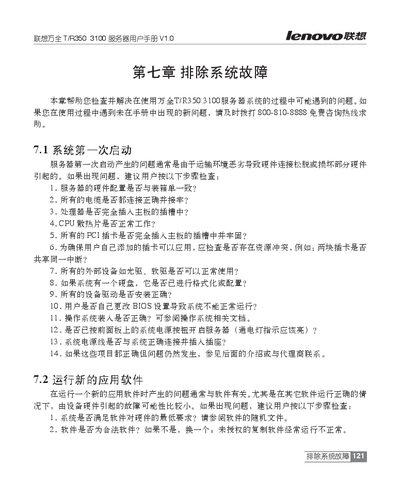
The manual offers detailed guidance for diagnosing and resolving hardware issues on the ThinkServer T/R350 3100, including initial configuration verification, component replacement, and BIOS settings. It also covers common operating‑system installation problems and special cases such as SCSI capacity reporting.
Key sections address hardware failure symptoms, step‑by‑step troubleshooting procedures, hard‑drive capacity calculations, and processor‑related questions, helping administrators keep the server running reliably. This manual is written in Chinese.
| Supported processor speed for Windows 2000 | up to 2 GHz |
|---|
Replace the motherboard with a same‑model unit and follow the replacement steps described in the manual.