
The document is a certification and user manual for a liquid crystal display (LCD) monitor, providing information on the features and characteristics of the product.
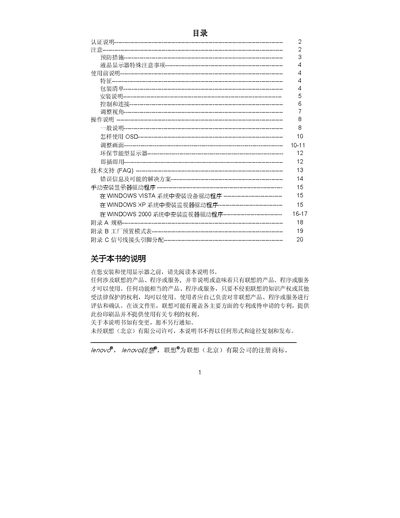
This manual covers important safety precautions for the Lenovo D221 LCD monitor, including keeping the unit away from water, heat sources, and ensuring proper grounding. It also details the quick installation guide, power connection, and signal cable setup.
Operational instructions describe how to adjust the viewing angle, use external controls, and understand the signal pin assignments. Technical specifications such as screen size, resolution, and interface types are listed, along with compliance information for CE and FCC regulations. This manual is written in Chinese.
The monitor can be tilted between -59° and +20° to achieve the optimal viewing angle.