
This is the instruction manual of Panasonic TH-103PF12C High Definition Plasma Display Monitor, which introduces the features and characteristics of the product, including connection, basic control, image adjustment, advanced settings, network settings, troubleshooting, etc.
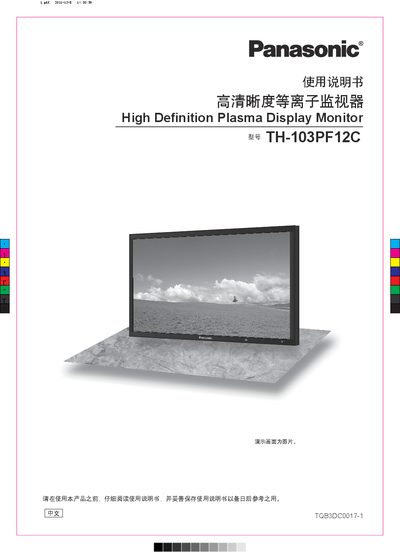
This manual covers the Panasonic TH-103PF12C high‑definition plasma display monitor, describing its features, safety precautions, and proper handling. It is intended for end‑users to set up and operate the monitor safely and effectively.
Key sections include important safety warnings, accessory information, installation procedures, connection diagrams for video and audio inputs, menu navigation, advanced settings, network functions, troubleshooting, and specifications. The guide also explains how to replace remote‑control batteries and maintain the screen surface. This manual is written in Chinese.
| Power Supply | 220 V~, 50/60 Hz |
|---|
Do not place the monitor in rain or humid areas, keep it away from fire, do not cover ventilation holes, and ensure the grounding pin is securely connected.
Use two R6 alkaline batteries, insert them according to the polarity markings, and close the battery cover until it clicks.