
This manual describes the operation of the SDR-H68GK and SDR-H48GK.
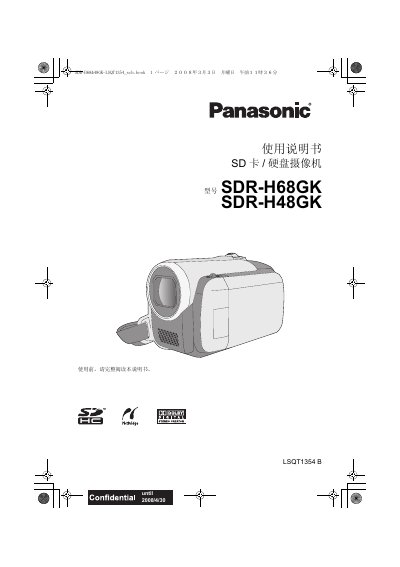
This manual provides safety precautions, accessory information, and detailed operating instructions for the Panasonic SDR-H68GK and SDR-H48GK SD‑card/hard‑disk camcorders. It includes step‑by‑step guidance for preparing the device, recording video and still images, playback, and connecting to a PC or DVD recorder.
The document also lists technical specifications such as power requirements, sensor details, optical and digital zoom ranges, and supported memory card types, along with troubleshooting tips and regulatory information. This manual is written in Japanese.
| Power supply voltage | DC 9.3 V / 7.2 V |
|---|---|
| Power consumption (recording) | 4.0 W |
| Image sensor | 1/6" CCD |
| Effective pixels | 800 K |
| Optical zoom (SDR‑H68) | 50× |
| Optical zoom (SDR‑H48) | 42× |
| Digital zoom (SDR‑H68) | 80× / 2500× |
| Digital zoom (SDR‑H48) | 70× / 2000× |
| LCD monitor size | 2.7" wide (≈123 K pixels) |
| Microphone | Stereo with zoom function |
| Speaker | 1 spherical speaker |
| Minimum illumination | 6 lx (standard), ~2 lx with color night vision |
| Video output | 1.0 Vp‑p, 75 Ω |
| Audio output (line) | 316 mV, 600 Ω |
| Supported memory cards | SD and SDHC (FAT12/16/32), up to 16 GB SDHC |
| USB interface | Hi‑Speed USB 2.0, Mini‑AB type, PictBridge host |
No, a 4 GB (or larger) card without the SDHC logo does not meet the SD card specifications and cannot be used.
The SDR‑H68 model provides a 50× optical zoom.
To fully disconnect from AC power, unplug the power‑line plug from the AC outlet.