
This manual introduces the features and characteristics of the DVD camcorder, including preparation for use, settings, recording, and playback
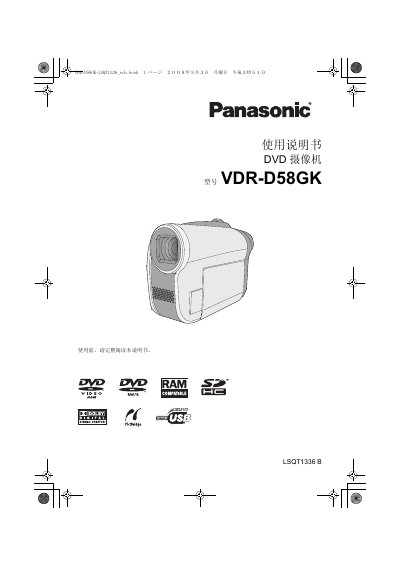
This manual covers safety precautions, required accessories, and preparation steps before using the VDR-D58GK camcorder. It explains how to install batteries, connect power, and insert DVDs or SD cards.
Detailed sections describe recording modes, playback options, editing functions, and how to connect the camcorder to TVs, DVD players, or a PC. Technical specifications and regulatory information are provided at the end of the document. This manual is written in Chinese.
| Power consumption (recording) | 5.9 W |
|---|---|
| Image sensor | 1/6" CCD |
| Effective pixels (video) | 800 K |
| Optical zoom | 42× |
| LCD monitor size | 2.7" wide |
| Dimensions (W×H×D) | 52.8 mm × 89.5 mm × 128.6 mm |
| Weight (without battery and disc) | ≈400 g |
| Operating temperature | 0 °C to 40 °C |
No, the camcorder cannot record dynamic video to an SD card.
The camcorder uses lithium battery packs (e.g., VW‑VBG130GK/1320 mAh or VW‑VBG260GK/2640 mAh).
The camcorder provides a 42× optical zoom.